


Custom Templates
Report, Proposal, Letter, Fax, Agenda, Minutes and FileNote templates are our daily business and we have delivered a great many over the last nineteen years.
We offer four levels of solution:
- Template + styles
- Template + structured content
- Template + wizard
- Template + wizard + formatting and content insertion tools
Solution 1. Template + styles
The templates are precisely created to match your brand design using styles and colour palettes and we can advise on good design elements where required.
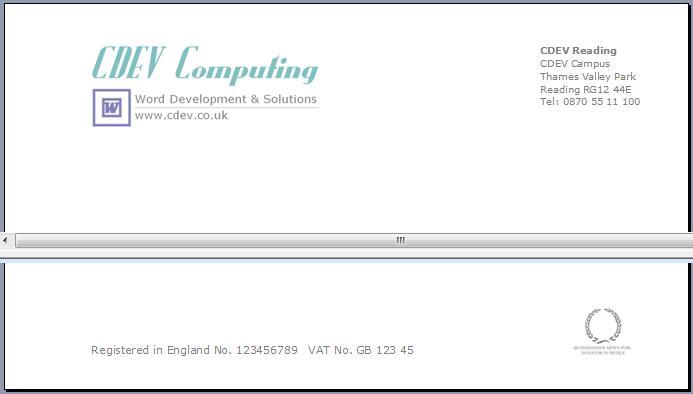
Logos, headers and footers and continuation pages are all correctly set and we can lock the content such as logos and styles as required.
Solution 2. Template + structured content
We setup the templates as above, one for each document type of: Report/Proposal, Letter, Agenda, Minutes, Memo and so on.
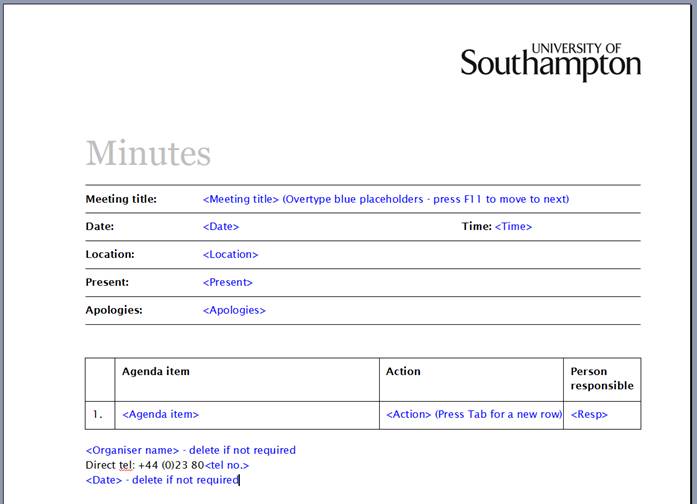
Any fixed content is pre-styled and we implement active blue placeholders to make user editing as quick and easy as possible. (Users can press F11 to move to the next placeholder)
Styles are incorporated to deliver the company brand and the style gallery is customised to provide those styles including the colour and style of tables and shapes.
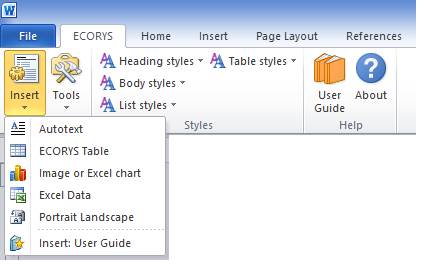
A ribbon tab toolbar is provided which enables the insertion of certain pre-formatted content such as tables, figures, appendices and so on.
Solution 3. Template + wizard
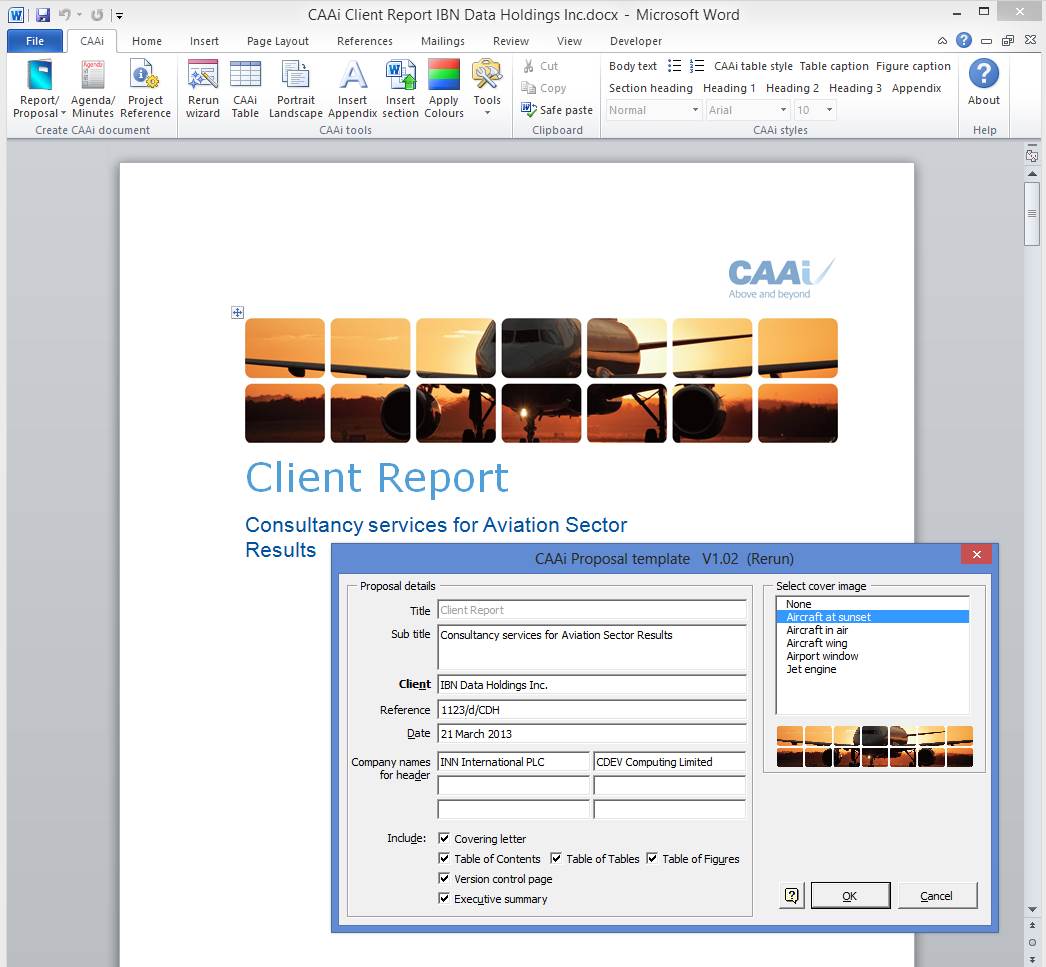
The templates are setup as above but this time with a data-entry wizard that is displayed each time a document is created based on a template.
The wizard approach is highly recommended, it creates even complex documents very quickly and as it enables documents to be created for multiple offices, and:
- remembers data for next use
- allows multiple authors to be saved
- verifies the data entered
- reads office details from a file that the company can change
- data, such as today's date, is preset in the wizard
- populates the document's File Properties (metadata)
- can automatically save the document with the required name
- can redisplay the dialog to change any details
- read recipients from Outlook or a company database
We include a quick-access toolbar with this solution. See the screenshot below. To create a Proposal the user simply clicks the Proposal button on the custom ribbon.
Solution 4. Template + wizard + formatting and content insertion tools
As Solution 3. above but this time the toolbar has powerful functions that assist in formatting and inserting content and protect the document from corruption.
Style tools
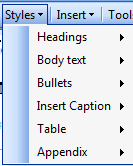
- apply the custom set of styles in an intelligent way
Insert tools
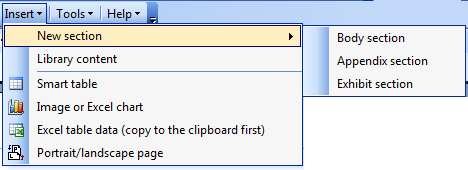
Insert:
- new section
- custom formatted table in the brand colour scheme with numbered caption
- excel chart resized as an image with a caption
- Landscape page
Document check tools
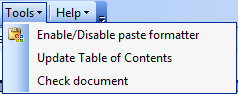
- Switch on paste formatter tool that stops alien formatting from corrupting the document when pasted in
- Update Table of Contents
- Check document for things like: incorrect styles, comments and annotations, spelling mistakes.
For a full list of available tools see our list: Word Tools .
A total solution
We provide our template systems as a total solution package including a high-quality User Guide and a self-installing Setup.exe installer.
All our solutions include 90days support for minor changes and defect fixing and we can extend his to on-going support.
We are hugely experienced at delivering these total packages, see our client list for details.